
BABICZMix Tools

Audio tools by Robert Babicz

Give each track a voice.
Bring your mix together.

Eight PRE characters. One connected mixing system. Explore the colour and interaction of Robert Babicz's hardware studio inside your DAW, from subtle tone shaping to deliberately driven textures.

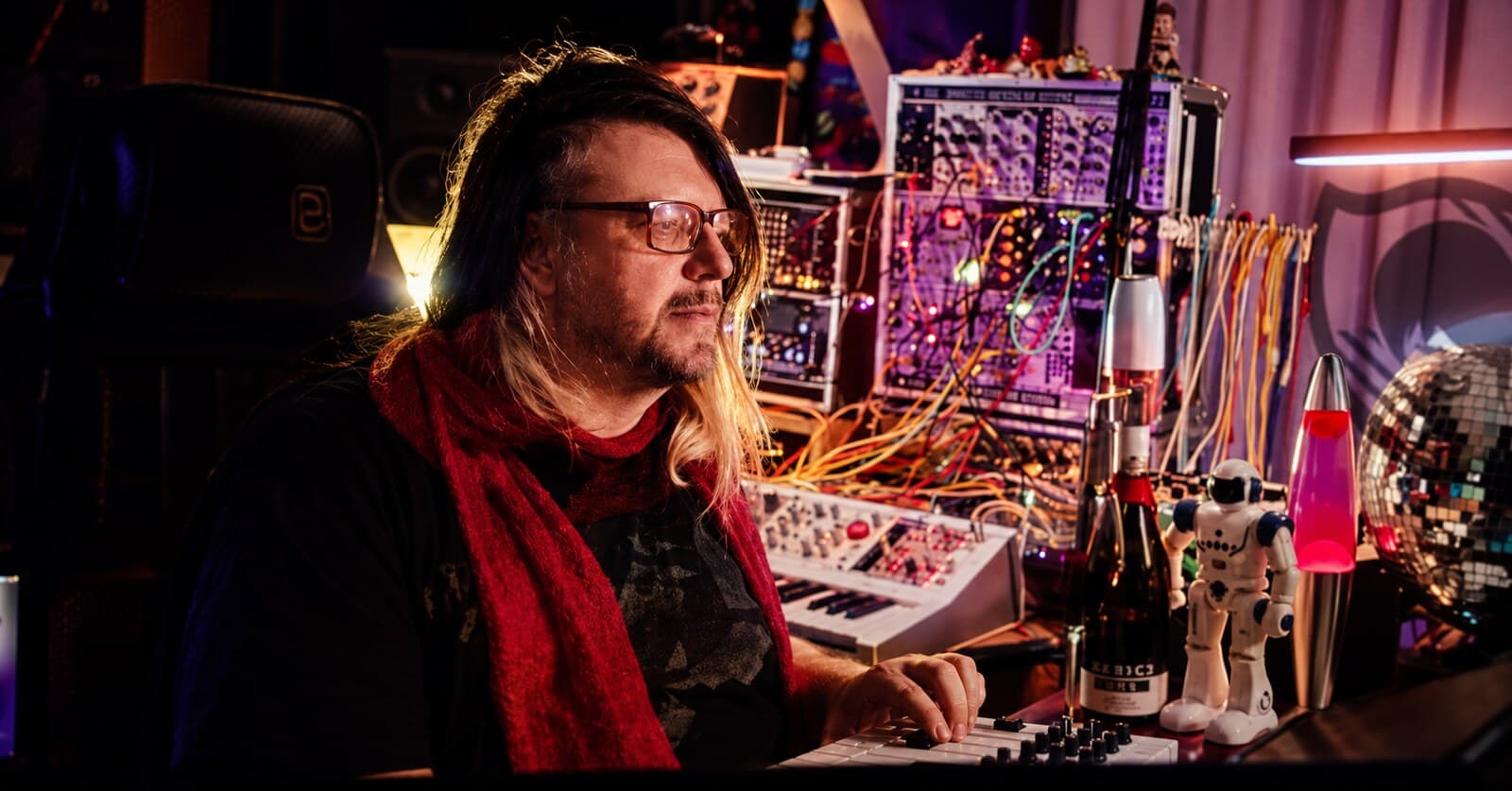
Robert Babicz at the console, hands on the controls
The result is not one effect copied twenty times. It is a mix that was built the way a hardware mix is built.

01 The workflow

Every track gets its own input. The sum gets a console.

In Robert's studio no two tracks pass through the same preamp. Drums go through a fast, open input, a bass through transformer weight, a vocal through a focused one. Load PRE on the tracks, BUS on the master, and the DAW mix starts to behave like a console mix: depth, density, movement.

PRE
One instance per track, one of eight characters each.
BUS
The common finishing stage where all those tracks meet, modelled from Robert's complete analogue master chain.
“There is no single best preamp. I love the combination: certain sounds pass through one input, others through a completely different one. The BABICZ sound emerges when those different colours meet.”

Robert Babicz, from the manual

02 The technology

Real devices, recorded, measured, modelled, matched by ear.

Seven microphone preamps and one transformer pair from Robert's studio were recorded at 96 kHz and captured with neural models, one per character, then matched against the hardware by ear. Hardware is the reference and starting point, not the limit.

Captures
96 kHz recordings of the real units, one neural model per character
Characters
Every input keeps its own transient shape, harmonic development, contour and dynamic breathing
Transformer
The transformer of the master chain was captured separately so weight, supply load, density and iron can be balanced on their own
Quality
NORMAL runs efficient 48 kHz models, HIGH the original 96 kHz models, ECO a lighter model, independent of your project sample rate
Extensions
TEXTURE above 100 percent, LEVEL MATCH, ECO and the extended ALIVE dynamics are controlled software additions; the hardware knees and transient identities stay intact

03 Two plugins, one workflow

PRE for the channels, BUS for the sum.

PRE/BUS brings Robert Babicz's approach to analogue sound into your session. Use PRE to give individual tracks their own character, then explore the way connected PRE instances work with BUS. Choose a model, adjust the input level and listen to the whole arrangement. Your ears make the final decision.

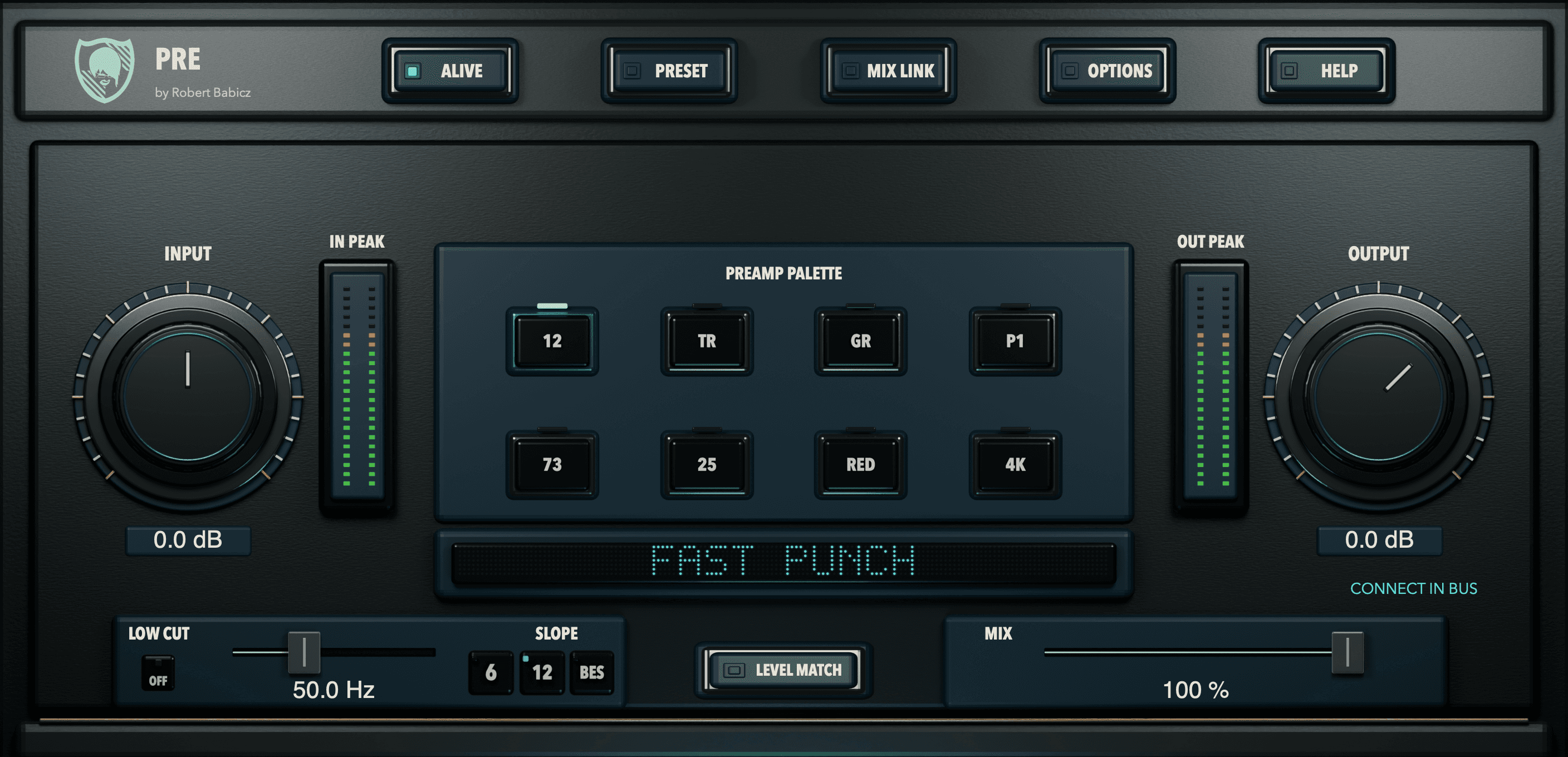
BABICZ PRE, version 1.0.0, compact view

BABICZ PRE

Eight analogue input textures for individual tracks.

Synths, samples and recordings receive different characters on individual tracks, as if they had left the DAW, passed through real console or preamp inputs and been recorded again. INPUT sets how hard the signal drives the model, TEXTURE doses the colour, LEVEL MATCH keeps the comparison honest.

BABICZ PRE in detail
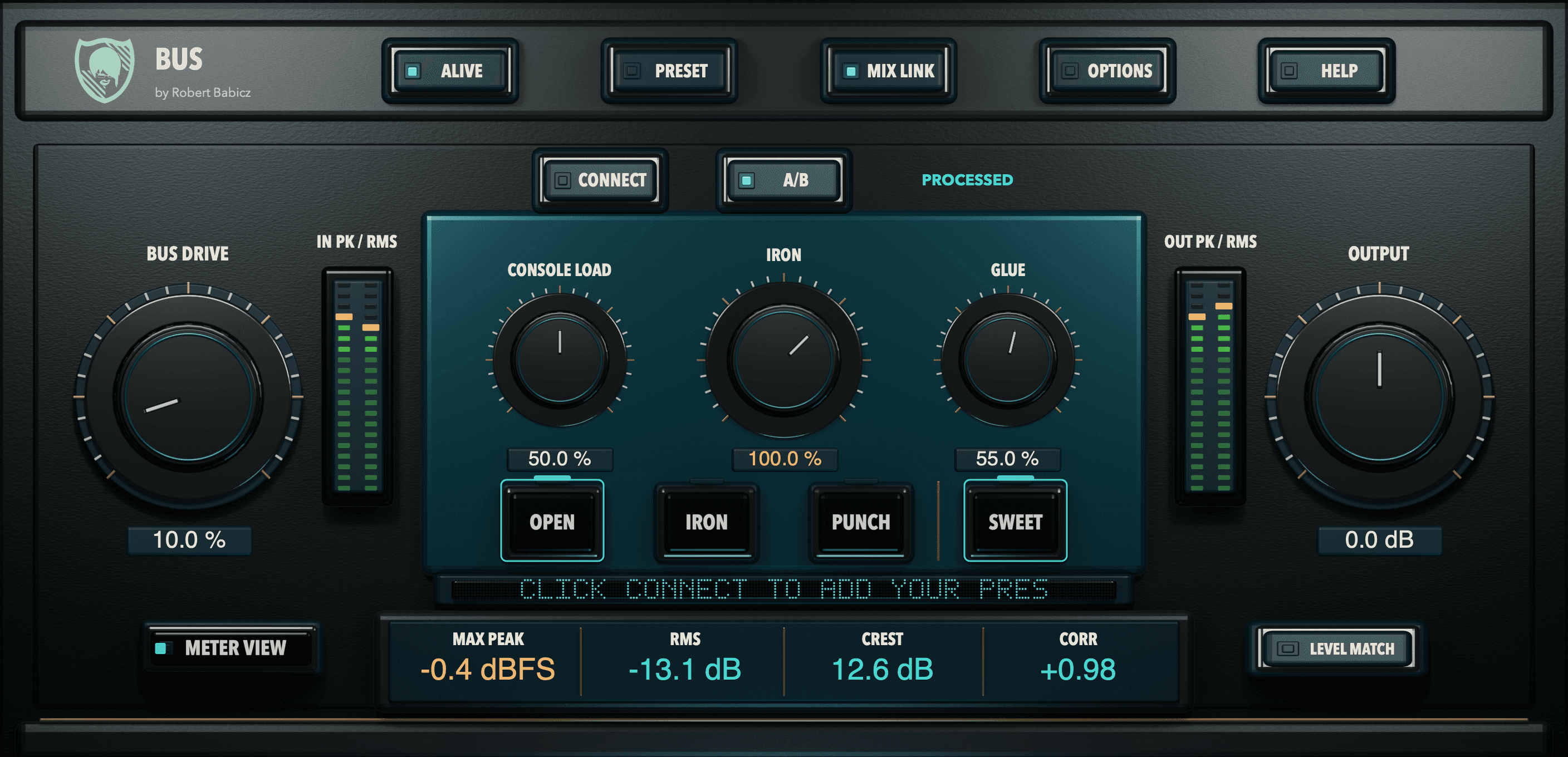
BABICZ BUS, version 1.0.0, compact view

BABICZ BUS

A playable mix bus with body, connection and controlled movement.

BUS is the common finishing stage for a mix of PRE channels or any other stereo sum. BUS DRIVE introduces the captured master chain, CONSOLE LOAD the shared demand of an analogue supply, IRON the transformer weight, GLUE a parallel, sidechain-filtered density in three responses. It is not a mastering limiter.

BABICZ BUS in detail

04 What both tools share

One header, one way of working, in both tools.

ALIVE

Every instance reacts to its own track like a small power reservoir: operating point, harmonics and recovery move differently per model. Across many channels the mix breathes quietly as a whole. No pitch wobble, no idle noise.

MIX LINK

PRE and BUS share level, low-frequency demand and transient activity as control information. No audio is shared; your DAW routing stays untouched. Assign the PREs with CONNECT; MODEL LINK links the model choice where you want it.

LEVEL MATCH

Press once. The tool measures a short passage, writes the correction into OUTPUT and switches off. Compare colour, not loudness.

ECO, NORMAL, HIGH

Choose the model quality separately for realtime and bounce. Older projects keep their setting.

05 CONNECT

Work as a system.

Assign PRE instances to a BUS console to use their shared controls and modelled interaction. MODEL LINK lets you make common model choices; PROTECT lets an individual track keep its own choice where needed.

Your DAW still routes and sums the audio. CONNECT handles control and status information and the interaction of the connected system. PRE and BUS can also be used independently, so you can begin with one track and expand the setup when it helps the mix.

Audio routing in the DAW

Track 1PRETrack 2PRETrack 3PREDAW group / masterBUSCONNECT: assign PREsTrack 1PRETrack 2PRETrack 3PREDAW group / masterBUSCONNECT: assign PREs
Audio follows your DAW routing. CONNECT links the console controls.

06 Getting started

A simple way to start.

Step 1
Add PRE to a few tracks and explore the models at a comparable level.
Step 2
Place BUS on the group or mix bus you want to shape.
Step 3
Connect the PRE instances if you want to work with the shared system.
Step 4
Make small changes, compare ORIGINAL and PROCESSED, and follow your ears.
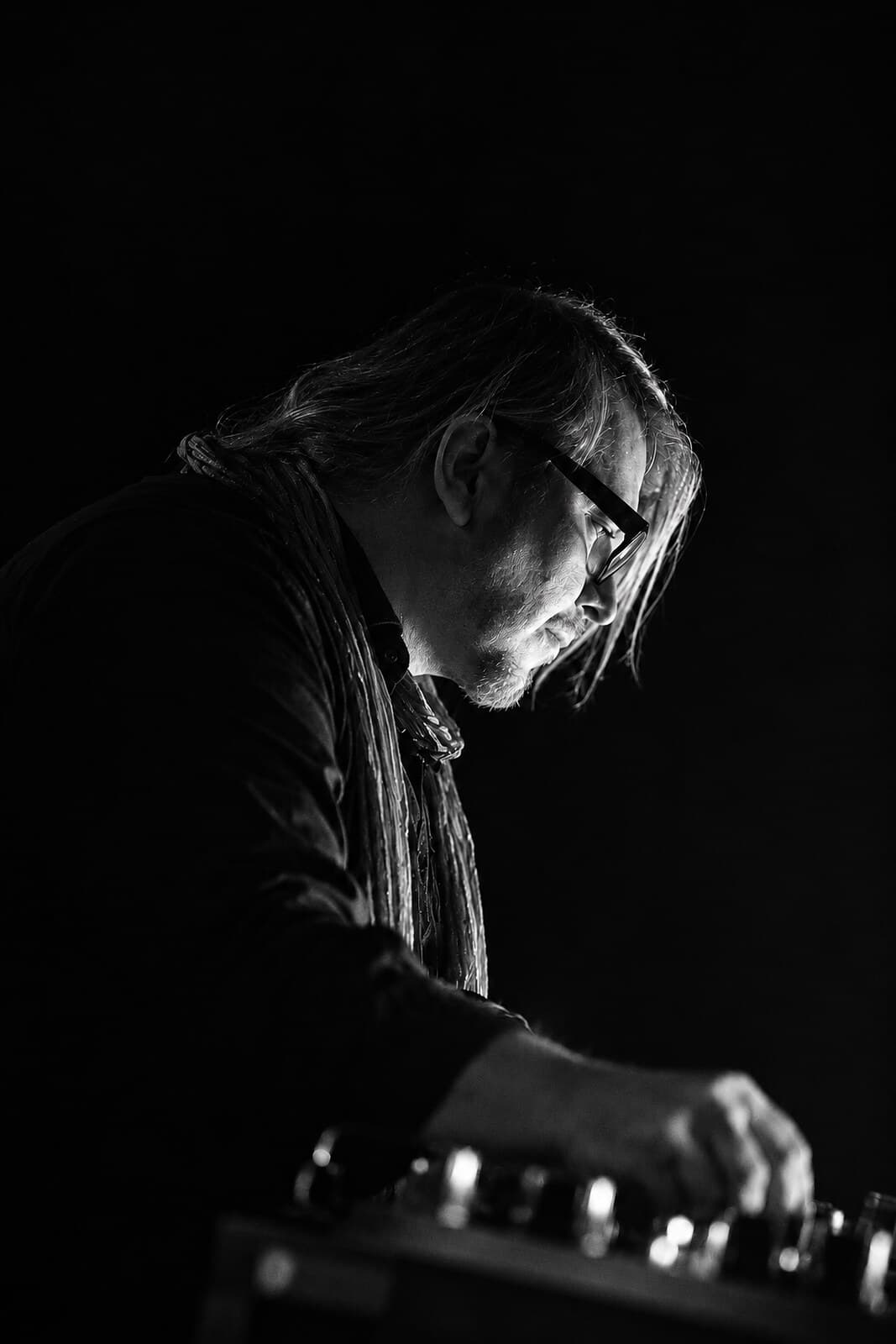
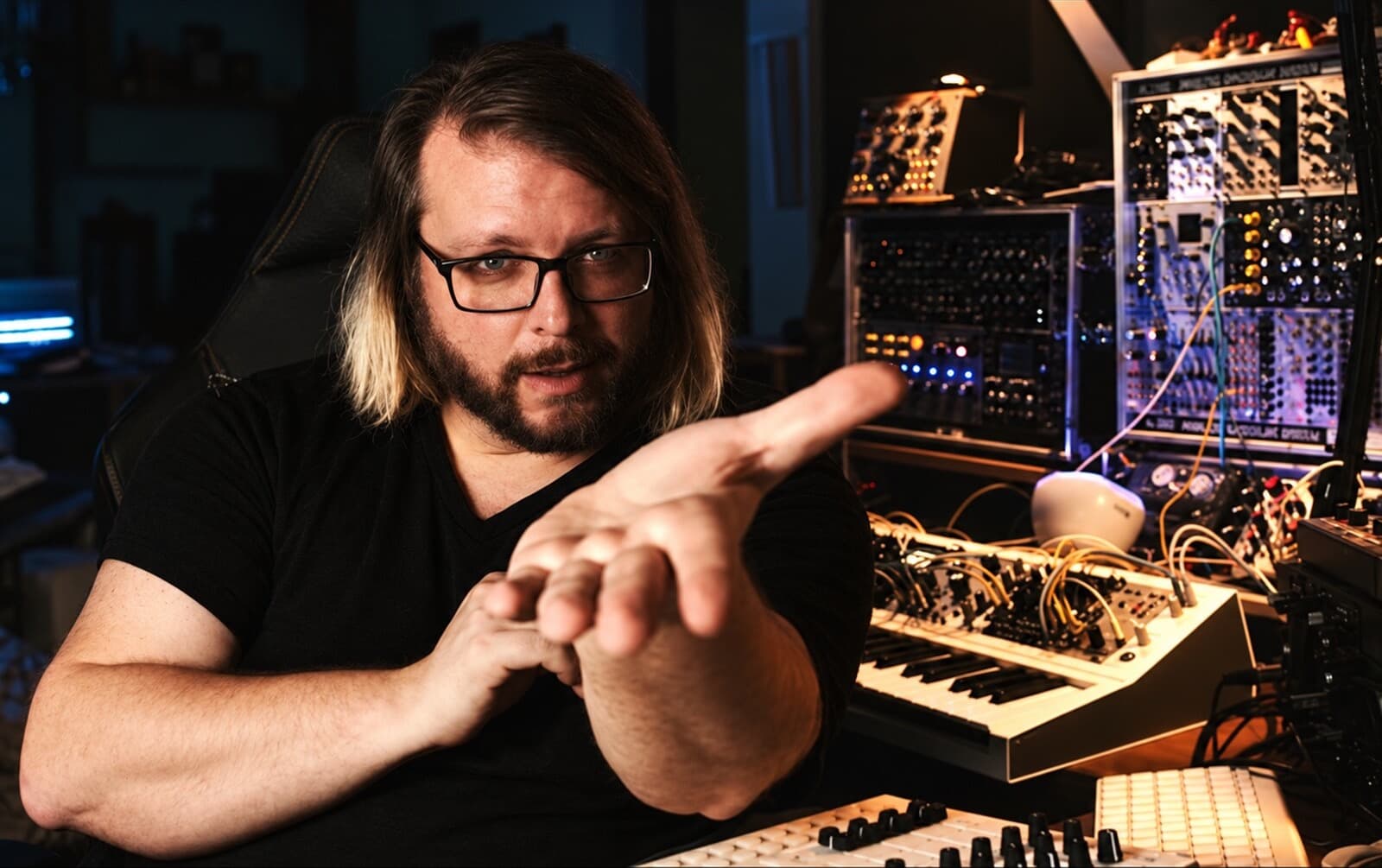
Robert Babicz in his studio, explaining with his hands

07 Robert Babicz

Why Robert built it.

Robert wanted to make that studio experience accessible inside a DAW, while leaving room for each musician's own decisions. The originals behind the PRE models live in his studio: carefully analysed preamps and transformer circuits, each with a different voice. PRE/BUS invites you to discover those voices, shape individual sounds and hear how they belong together in a mix.

“I have been making music since 1990. PRE and BUS distil more than 30 years of listening, experimenting and working with analogue equipment into my own sonic aesthetic. They bring together many of the experiences that have shaped how I hear a mix: depth, movement, weight and the small interactions that make sound feel alive.”

Robert Babicz, from the manual

About Robert

08 Buy or try

Both plugins, one serial number, a 14-day trial inside the plugin.

BABICZ PRE/BUS, version 1.0.0

One product, two plugins: PRE on the tracks, BUS on the sum.

Two plugins, version 1.0.0, activated with one serial number for both. 11 factory presets in PRE, 14 in BUS. Manuals in English, German, French and Spanish.

Price, incl. VAT

€99 €149

Two plugins, one product, one serial number. Not sold separately.

14-day trial, fully functional, inside the plugin under OPTIONS, LICENSE, 14-DAY TRIAL. Name and email, no serial number.

Activation and trial require an internet connection.

macOS 11 or later, Apple Silicon: AU, VST3

Windows x64, Intel Core i5-12400 or AMD Ryzen 5 5600X class or better: VST3

No AAX

Standalone not included

Version 1.0.0